

Back in 2016, when Apple launched its AirPods, obsessed consumers’ attention was fixed on the wireless earbuds alone. Their smooth curve, quick and easy pairing, and warm sound stole the show. But tucked into the pocket or bag alongside them was an unsung hero: the charging case. At first, it was seen by most of its users as a little plastic box to store and recharge. But this understanding is just plain out of date. The modern AirPod case, especially something like the AirPods Pro (2nd generation) or newer, is practically a little gadget unto itself. It is no longer a dumb secondary device but an active and intelligent center to the whole AirPods journey. In this article, we will delve into the wealth of intelligent features packed into this tiny contraption, showing you why the case might even be as ground-breaking as the earbuds that it so dutifully encases.
Development of the AirPod Case
The story of the AirPod case is one of small yet transformative innovation. The original case was minimal, providing some power and storage through a Lightning port. The Wireless Charging Case was the first major step, unshackling the case from a cable for the first time. Then came the addition of H1 (later H2) chip integration, which took the case from a dumb battery to an actively communicating entity capable of audio switching duties and connection status management. The biggest change occurred with the AirPods Pro (2nd generation), which had a U1 chip and speaker in the case. That made it a locatable object, and deeply integrated into the Find My network. This transformation from basic receptacle to connected, smart appliance epitomizes Apple’s approach of creating an ecosystem in which each piece serves a crucial function.
The Central Hub of the Wireless Experience
Consider your AirPods case as the control center for your private audio sphere. It’s the literal spot where all the battery management, device pairing, location tracking and charging tech comes together. It’s the tool through which you communicate each time you begin and end your listening session. The case is integral to AirPods’s “magical” promise of effortless connection and all-day battery life. It regulates the power flow to the earbuds, stores all primary pairing information and, now, is able to tell you where it is. Unlock the full potential of your investment with a charging case that adds unprecedented value to your AirPods.
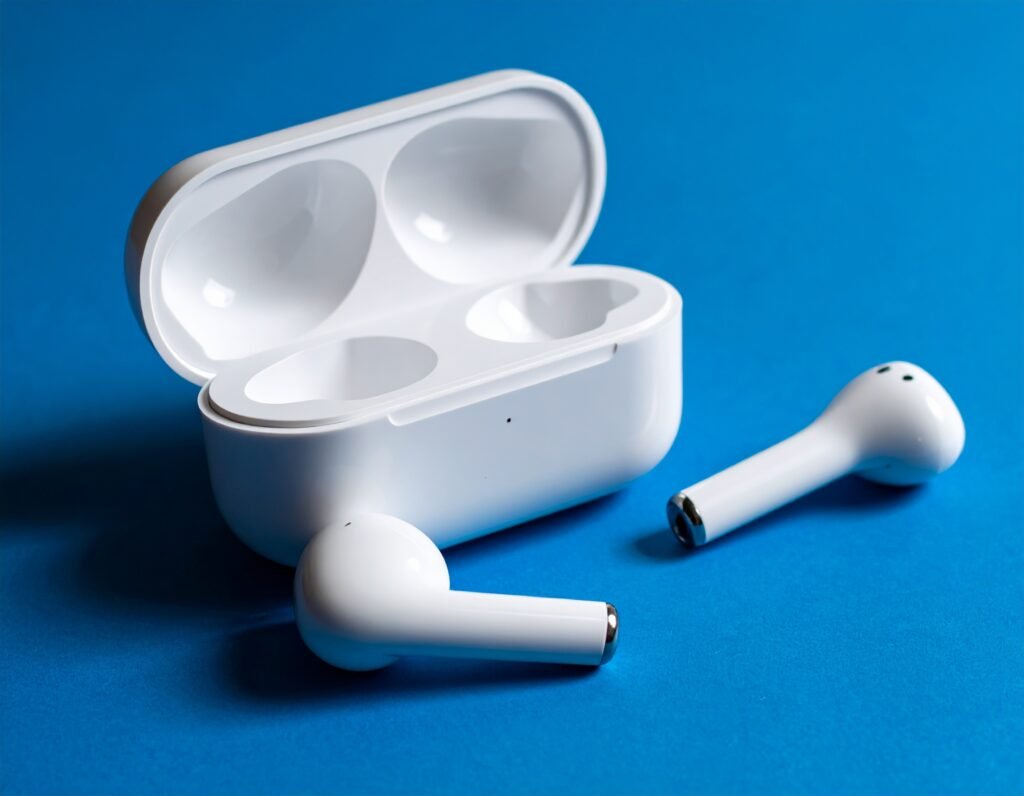
The Wireless Charging Case


The Qi Charging Standard
The adoption of the Qi wireless charging standard (it’s pronounced “chee”) was a game changer for AirPods. And because it’s an open, universal standard, your AirPods case isn’t shackled to nothing but the Appleverse. Qi is the very technology that millions of phones from Samsung or Google use, and thousands of other devices. By adding Qi, Apple made sure customers didn’t need to invest in new charging gear. The basis is electromagnetic induction: The charging pad emits an alternating electromagnetic field, which a coil embedded in the AirPods case converts back into an electrical current that charges the internal battery. This is one of the reasons why this case is so convenient.
Charging Pad Compatibility
What’s pretty great about the Qi standard is that it should be nearly universally compatible. And, no, you don’t need to use an Apple-branded charging mat. You can charge the case for your AirPods on any Qi-certified charging pad. This includes
Charging pucks that stand alone: Flat discs meant to charge individual devices.
Multi-device charging pads: Bigger pads or stands that can power up your iPhone, Apple Watch and AirPods at the same time.
There is furniture built in: Some modern desks, nightstands and even some cars come with Qi charging spots built in.
Wireless Charging Power Bank: A portable charging battery that lets you charge your AirPods on the go without any cords.
This flexibility allows you to have the AirPods case sit on your nightstand charger overnight, on your desk pad during work hours, and in the charging spot inside of your car when you’re communiting – so they’re ready when you are.
LED Indicator for Charge Status
One of the smart features that is simple and important to have would be the status LED light. Its color and movement give you snapshot information at once:
Green Light: The AirPods are fully charged, or the case has enough charge.
Amber Light: AirPods are charging, or the case’s battery is low and needs to be charged.
White Light Flash: A pairing mode indicator, which means the case is waiting for you to set it up with a new device.
Flashing Amber Light: May show a pairing issue or that the case requires a reset.
This easy-to-understand light system will take away the guesswork from peeking inside your iPhone without ever opening up your device.
Cable Charging as a Dependable Substitute
As convenient as wireless charging can be, a cable connection is more dependable and often faster. All current AirPod cases come with a Lightning or USB-C port (mixed depending on model and region). And this is invaluable in a lot of situations:
Travel: If you have no power outlet or only a battery bank or portable laptop USB port, then cable is your only way to go.
Speed: If you need juice quickly, sometimes plugging in is best for a rapid top-up.
Accuracy: Being able to make sure you’re lined up solidly for charging is a plus, especially if your wireless charger can be hit or miss due to misalignment.
Featuring a combination of wireless and wired charging capabilities, the AirPod case is able to cater for all situations encountered by the user.
The MagSafe Charging Ecosystem
Magnets for Perfect Alignment
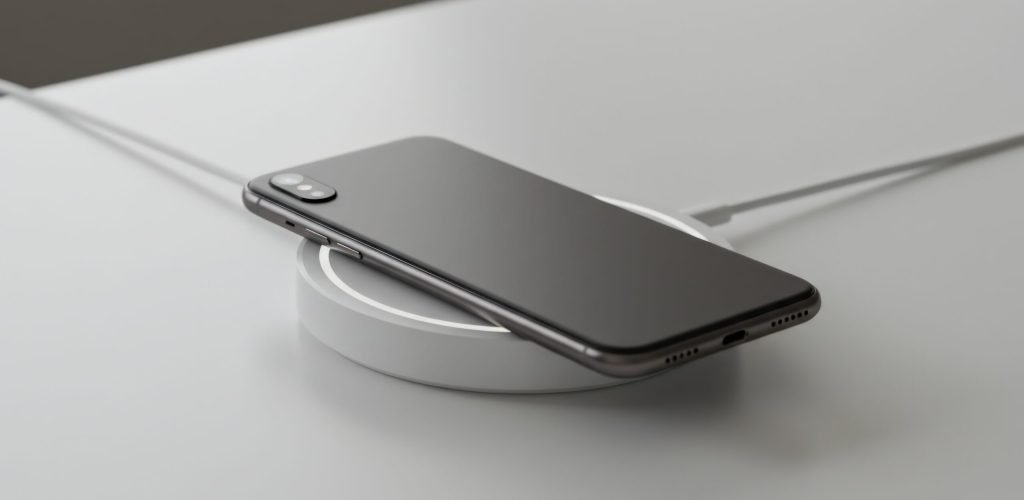
Based on the Qi wireless charging standard, Apple brought MagSafe to the AirPods case. This system features a ring of magnets spaced out in intervals around the charging coil inside the case. Those magnets snap into alignment with the matching magnets on a MagSafe charger, an iPhone that has been equipped with one of Apple’s new MagSafe charging cases, or any other MagSafe-compatible accessory. That solves the biggest annoyance of typical Qi charging: not lining up. With just a regular pad, if your placement is only a little bit off-center, it’s possible that your phone might not charge at all or be inefficiently charged. The magnetic “snap” of MagSafe ensures there will be perfect alignment of the coils all the time, for efficient power transfer.
Charge Faster And Smarter
Alignment is not only a way to ensure connection, but also the tool for improved performance. With the charging coils being placed directly on top of one another, MagSafe loses less energy. That opens the door to possibly faster charging versus a Qi charger that you don’t position quite right. Although the charging rate of AirPods isn’t as impressive from an absolute standpoint, it’s all about efficiency. Each degree of streamlined power still helps the case fulfill its duties as a faithful earbud charger, giving your buds the fullest charge as swiftly as possible.
Compatible with MagSafe Accessories and Qi2 Accessories
The MagSafe case: It’s a cheeky bit of future-proofing and past-proofing. It’s great for use with dedicated MagSafe chargers, snapping on safely and securely. It also plays nicely with regular Qi chargers, because the Qi standard is not being abandoned yet. What’s more, with the arrival of Qi 2 – a new standard that includes Magnetic Power Profile (or MagSafe tech as an open standard), there is future-proofing on the AirPods case. Qi2 chargers will also provide magnetic alignment and fast charging for the AirPods case, meaning it’s a product that will work with current and future generations of wireless charging.
Making and Breaking Secure Connections
The tactile sensation of a MagSafe case is delightfully satisfying. Even opening and closing the case—the sound and haptic sensation you get from the magnets locking into place—lends a feeling of robustness and branded identity that’s simply not present in run-of-the-mill wireless charging. This can be especially helpful in certain scenarios, such as in a car mount; if you’re using a MagSafe charger, the case will stay securely attached even over bumps, whereas a standard Qi pad may allow it to slide out. This secure connection turns a charging workflow from put down and try again into set down and leave it.
The Indicator Light and Pairing Simplicity
Interpreting the LED Colors
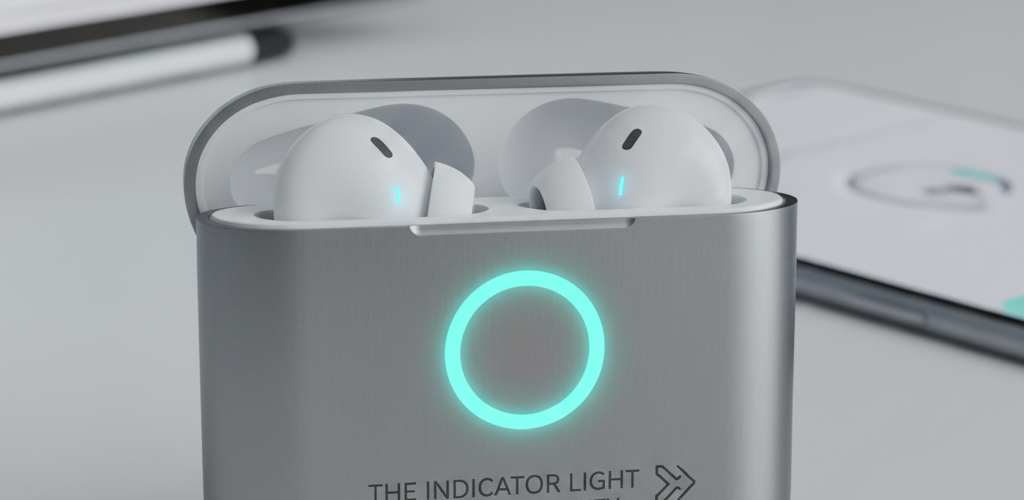
We briefly discussed the LED already, but its place in the smart ecosystem needs a little more attention. The LED is the main way the case speaks to you. Its behavior is context-sensitive:
When the case is open and near the iPhone: The light indicates the charge status of your AirPods.
When the case is charging: The light indicates the level of charge in the case itself.
When you hold down the setup button on the back, The light pulses white, indicating it’s in pairing mode.
Knowing this basic color code can be quite helpful when troubleshooting and managing the power status of your device.
The Front-Facing Light Position
A relatively small but impactful design change in the later models (such as the AirPods Pro 2nd gen) was that the status LED was moved outside of the case instead of on its interior, and also onto its surface when using a MagSafe or Lightning charge. This is a user-experience masterstroke. No longer need to open your case with the knowledge of da ying battery. One look at the case sitting on your desk or charging pad, and you’ll know exactly where you stand. It’s a little thing, and a testament to Apple’s hundreds of thoughtful decisions that smooth use rather than cause friction.
Easy Device Switching and Pairing
AirPods’ “magic” is mostly controlled by the case, it turns out, since there are two Apple-designed H1 or H2 chips inside. When you open the case lid near your iPhone, a pop-up animation appears on your screen that displays battery levels of both the case and the AirPods. This is the informer of its arrival. The chip inside takes care of the easy peasy switching back and forth between your Apple devices, if they’re all signed into the same iCloud account. Begin watching a movie on your iPad, and the AirPods automatically switch to it. Get a call on your iPhone, and they change once again. All this seamless connection is the work of the smarts inside you cases.
Setup and Resetting of Channels
The case is the door to connections. Your control key is the physical button on the back. Long pressing puts them in pairing mode (white flashing light) to connect to non-Apple devices like Android phones or Windows PCs. If instead you hold down the button as the power turns on, and keep holding it until the LED flashes first amber then white, you do a full-out factory reset. This is often step one if you’re having connectivity issues, forgetting an old paired device, and reconnecting it anew. So the case is also the administration office for the AirPods’ network connections.
The Find My Network Integration
Finding a Lost Case with a Map
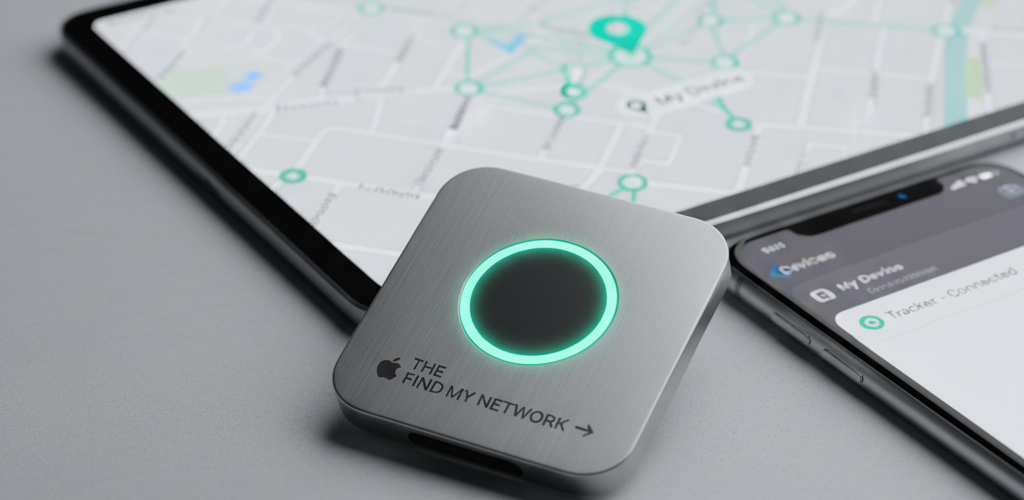
This is perhaps the most innovative smart feature that was incorporated into the new AirPod case. Now, thanks to the Find My network integration, your case is not just another black rectangle you can all dispose lose. Should it disappear, you can then open the Find My app on your iPhone, iPad, or Mac and display on a map where it was last seen. This is possible even with the case out of Bluetooth range because it uses a crowd-sourced network built from hundreds of millions of Apple devices. If your case is nearby to any device connected to the Apple network, it can ping and signal its location back to you both securely and anonymously.
Playing a Sound from your AirPods
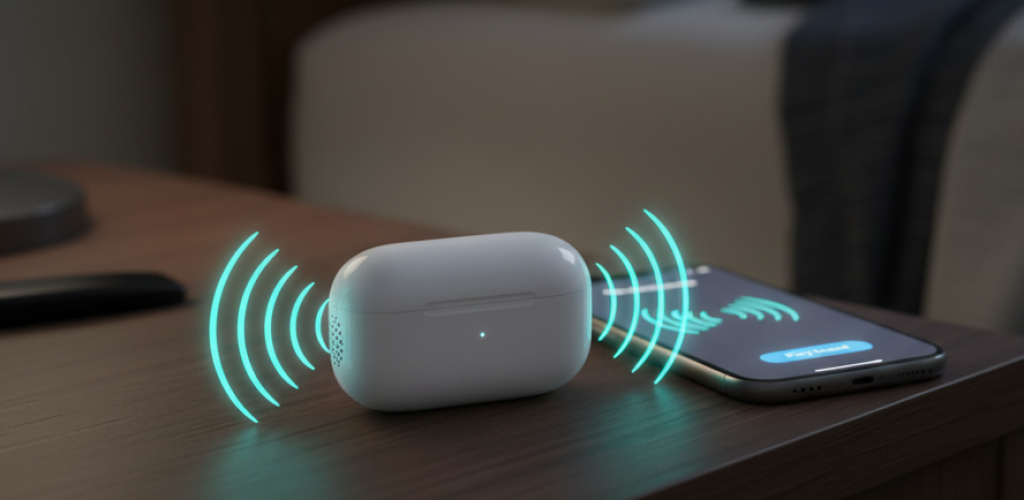
If you are sure your case is near — maybe it’s jammed under a stack of papers or wedged between couch cushions — and it’s close enough to hear but not see, the “Play Sound” feature will be your new B.F.F. You can also make the case play a loud, chirping sound using the Find My app. Importantly, if your AirPods are in the case when they play a sound, the case will also play that sound, too — nudging you toward misplaced gear. This single feature has saved many a user from the headache and expense of buying a new case because they lost the old one.
Activating Lost Mode
If you think your case is really gone, maybe left in a public spot, you can turn on Lost Mode. This ties the case to your Apple ID, so no one else can pair it with his or her devices. You can also put along a custom message with the contact detail shown on the finder’s screen, making it simple for any do-gooder to get in touch with you. This transfers the case from an ordinary object to a secure object with a heritage path.
The Strength of the Crowd-Sourced Network
The Find My network’s size is its greatest strength. And it doesn’t depend on your being nearby. What it does do is use the Bluetooth signal from your case to ping any nearby iPhone, iPad, or Mac — which then relays the encrypted location data up to iCloud. That means your case can be found even if it’s across town, just as long as the location passes within reach of another Apple user’s phone or computer. This enormous, decentralized grid offers a level of security to your tiny treasure that was otherwise inconceivable.
The Speaker Precision Finding
Emitting a Locator Sound
The “Play Sound” function reaches a new level with the built-in speaker in the newest AirPods Pro case. Unlike older models, which could play only a sound through the earbuds (which are pointless if they’re inside the closed case), this speaker is designed just to emit a loud, clear tone directly from the case. That makes it egregiously difficult to find a silent, hidden case. The speaker is also used for other system sounds, such as alerting you to a low battery or confirming that a reset was successful.
Visual and Haptic Feedback Guiding You through.
Paired with the U1 chip and using Ultra-Wideband (UWB) technology, the case will feature Precision Finding. An experience something like a high-tech treasure hunt (aided by a feature on compatible iPhones). Your iPhone screen is clearly labeled with the direction and estimated distance to your case, along with haptic feedback that grows stronger as you near. It leads you there with both arrows and vibrations, quite literally pointing the way to roughly where your lost case is — even if that’s in another room.
The Role of the U1 Chip
The U1 chip is what powers Precision Finding. While standard Bluetooth can only provide a rough estimate for how far apart the devices are, Ultra-Wideband technology has the ability to measure the exact time it takes a radio wave to travel between your iPhone and the case. This sort of capability allows for space awareness down to several inches. The U1 chip knows where your phone is in relation to your phone, so the on-screen directions are extremely precise and reliable.
Locating a Case Close by
Precision Finding is intended for “last-mile” location. And while the Find My network can tell you the case is in your home, Precision Finding will lead you to which couch cushion it’s nestled under or which pocket of your jacket has been harboring it. That blending of global connectivity for macro location and UWB-based tracking tech for micro location is what makes losing the AirPods case a solvable problem, rather than a minor tragedy.